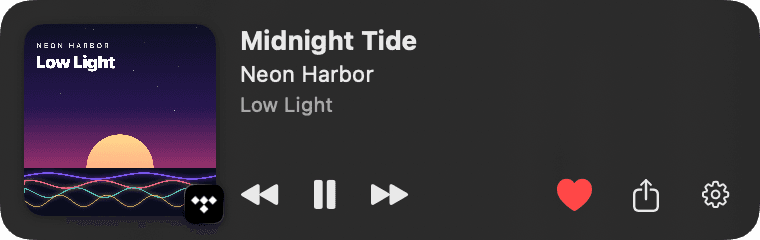
Playing on
TIDAL
Favorites, share link, exact track
NowWave is a floating mini player for your Mac. See what is playing, heart it, share it, scrobble it to Last.fm, tell Slack and Discord about it, and pick the look that fits your desk.
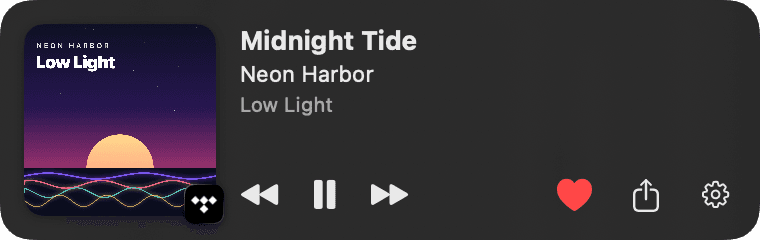
macOS tells NowWave what is playing, from any app. The playing app's icon sits on the cover, and service features like the heart appear only while that service plays.
Playing on
Favorites, share link, exact track
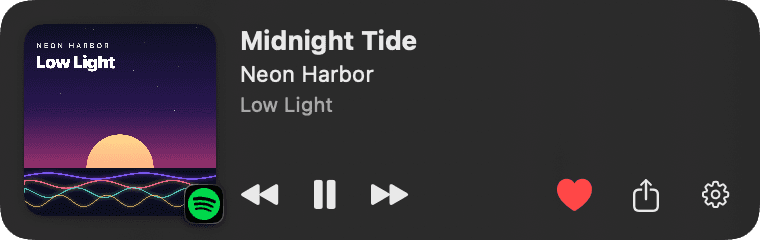
Playing on
Liked Songs, share link, exact track
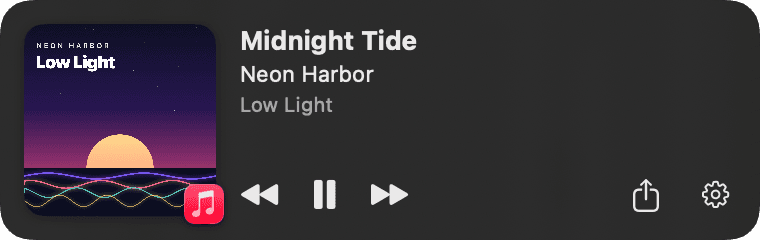
Playing on
Cover, controls and progress
And a few things you did not know you wanted.
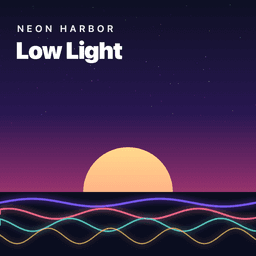
Midnight Tide
Neon Harbor
Sign in once. The heart tells you whether the track is already in your collection and toggles it instantly, on TIDAL and Spotify.
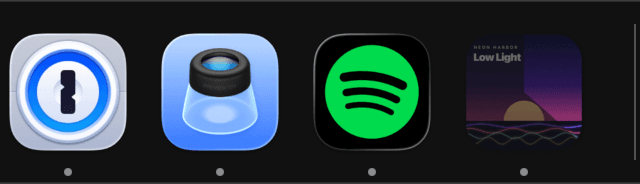
Optionally the Dock icon becomes the cover and fills up with the track's progress.
Turn it on and the menu bar carries the cover and the track. Click it and your theme opens under it, with the heart, sharing and controls. Long titles can scroll or shorten, your choice.
Nothing playing? The widget fades away and comes back with the next track.
tidal.com/browse/track/…
Messages, Mail, AirDrop, Notes and your social apps, straight from the widget. Your own message template with live variables.
Drag it anywhere, or pin it to a corner of the screen you choose. Above every window, or quietly on the desktop.

Midnight Tide
Neon Harbor
Slow Signal
Neon Harbor
Paper Lanterns
Neon Harbor
Every track you play, from any app, recorded on Last.fm or ListenBrainz. Favorites can become loved tracks on Last.fm too.
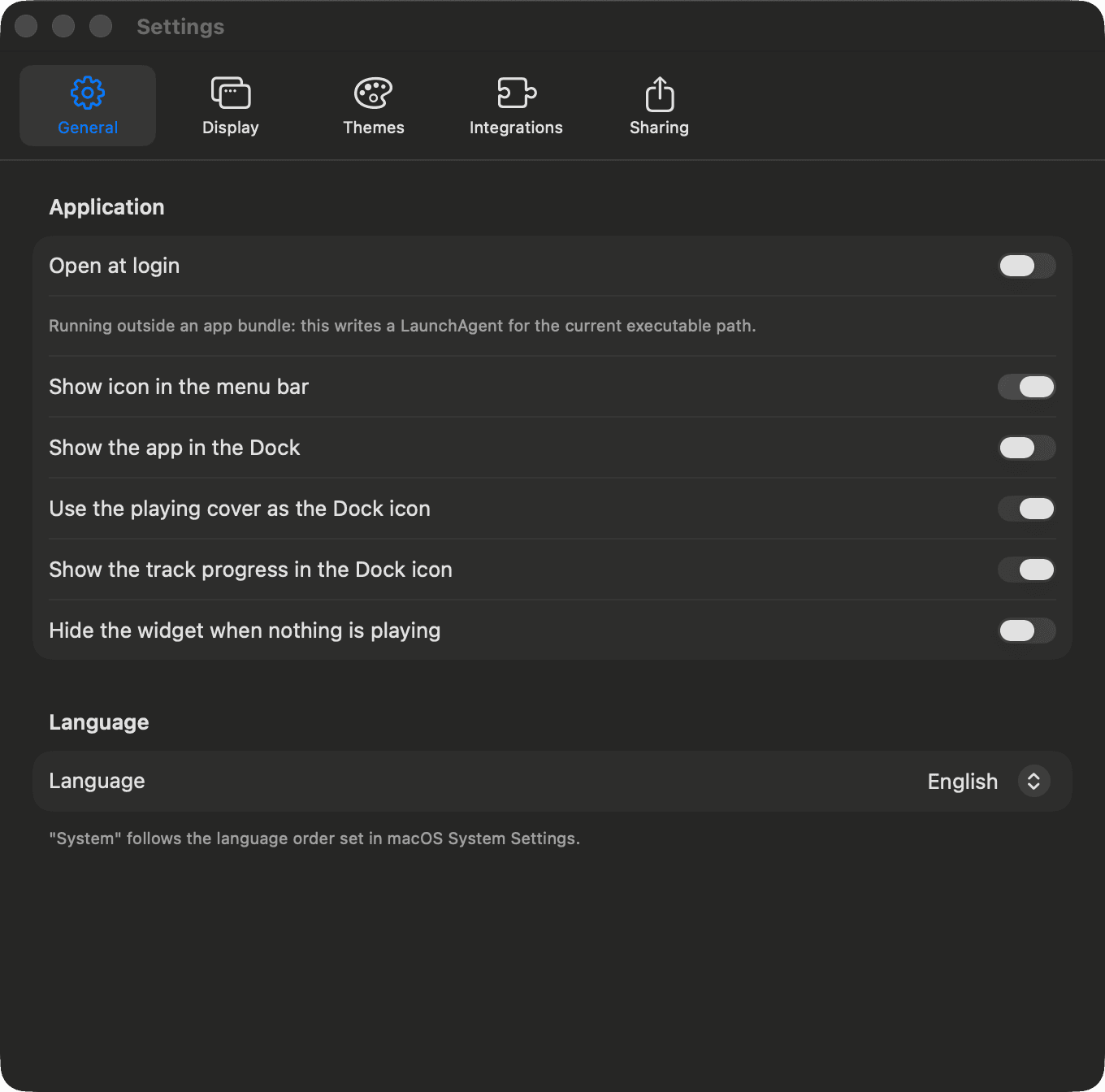
English and Italian today, switchable on the fly. More on the way.
| Direct download | Mac App Store | |
|---|---|---|
| Any player (TIDAL, browsers…) | ✓ | – |
| Apple Music & Spotify | ✓ | ✓ |
| Favorites, sharing, themes | ✓ | ✓ |
| Last.fm, ListenBrainz, Slack | ✓ | ✓ |
| Discord Rich Presence | ✓ | – |
Direct download has everything. The Mac App Store edition is sandboxed: Apple Music and Spotify now-playing, favorites, scrobbling, Slack, but no TIDAL detection and no Discord.
A theme is a whole different player, not just a colour. Each one has its own settings.
The original. Frosted, quiet, at home on any wallpaper.
Settings
Or in the middle of the menu bar, on any Mac. Compact, it shows the cover and a tiny equalizer. Move the mouse over it and it expands into a full player.

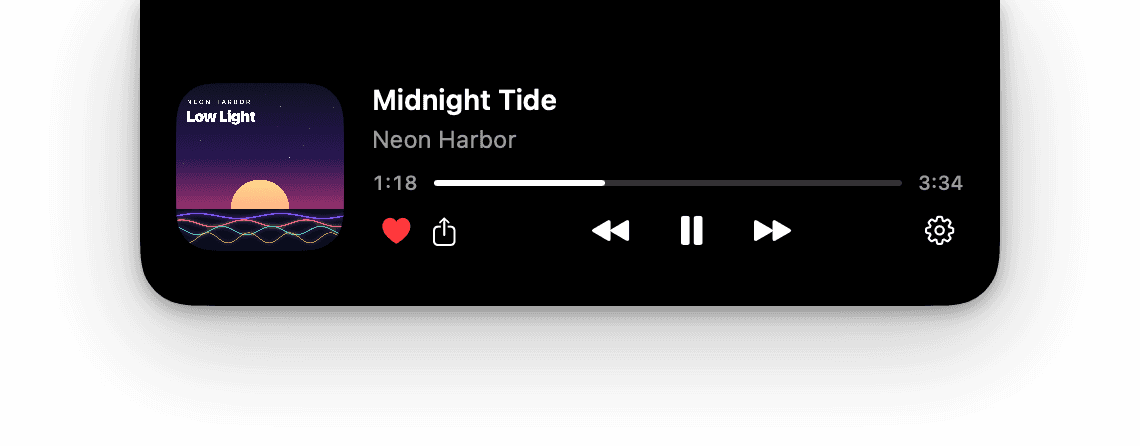
Works on any Mac, notch or not.
Every login happens in your browser with the official APIs. NowWave never sees a password. And every play can go into your listening history.
Midnight Tide
Neon Harbor · Low Light
tidal.com/browse/track/48213347
Exact track detection, favorites in My Collection, public track links to share.
Midnight Tide
Neon Harbor · Low Light
open.spotify.com/track/48213347
Liked Songs as favorites, exact track from your player, open.spotify.com links.
Jason
Status
Your status becomes the track, with the emoji you like, and clears itself when you pause.
Listening to NowWave
Midnight Tide
Neon Harbor
Low Light
Rich Presence with cover, progress bar and a button to the track, for anyone who checks your profile.
Recent tracks
Midnight Tide
Neon Harbor
Slow Signal
Neon Harbor
Paper Lanterns
Neon Harbor
Sign in once and every play from any app is scrobbled: now playing at the start, the listen at half track. Favorites can be mirrored as loved.
Listens
1,284Playing now
Midnight Tide
Neon Harbor · Low Light
The open listening history by MetaBrainz. Paste your user token and every play becomes a listen, no account on NowWave needed.
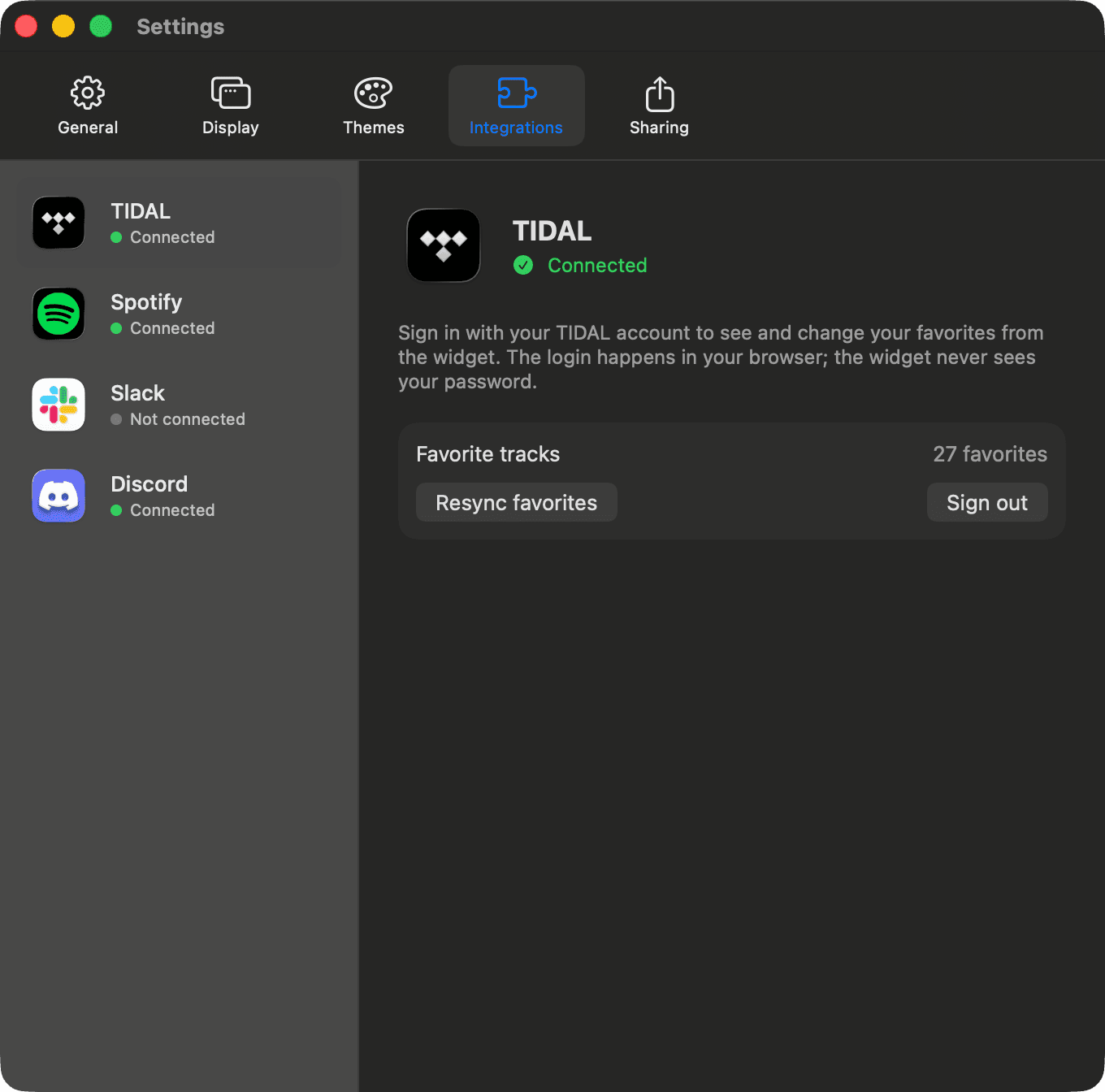
NowWave reads the now-playing information the system already exposes: title, artist, album, cover, position.
Midnight Tide
Neon Harbor · Low Light
TIDAL, Spotify and Slack logins use their official sign-in pages. Tokens stay on your Mac.
No NowWave account, no server, no listening history anywhere but on your computer.
Completely free, no account, no subscription. macOS 14 Sonoma or later, Apple silicon and Intel.
Direct download
The full edition: every player macOS reports, TIDAL detection, Discord, and everything else.
Download the DMGMac App Store In review
The sandboxed edition: Apple Music and Spotify, favorites, scrobbling, Slack. Same look, fewer permissions.
Coming soonNotarized by Apple
Or from the terminal, with Homebrew:
brew install --cask ensiria/tap/nowwave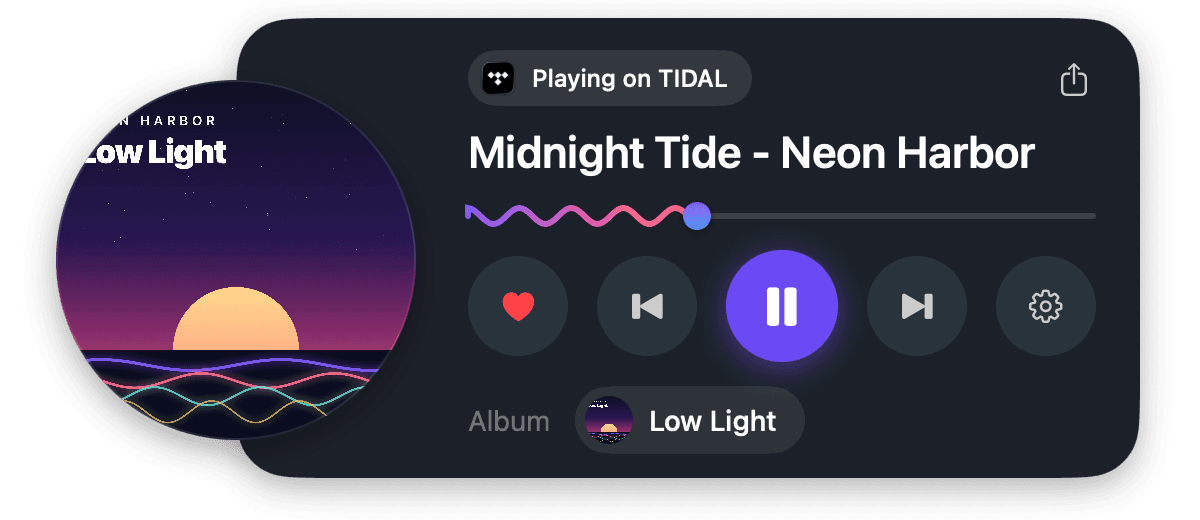
Any app macOS reports as playing: TIDAL, Spotify, Apple Music, browsers, and more. Favorites and exact track links need TIDAL or Spotify.