Slack integration
Your status follows the music.
NowWave is a free mini player for your Mac. Connect it to Slack once and your status shows the track you are playing, with the emoji you like, and clears itself when you pause.
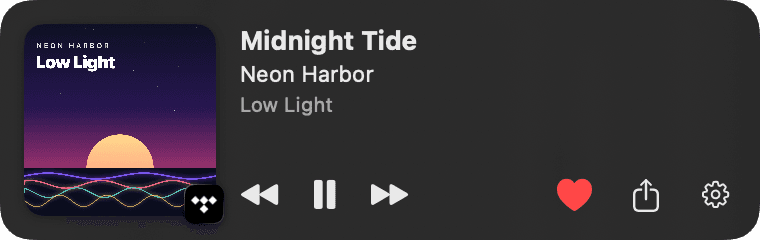
Jason
Status
🎵 Midnight Tide – Neon Harbor
See it in action
How to install
- 1
Download NowWave for Mac
Free, macOS 14 or later. Open the DMG and drag NowWave to Applications.
- 2
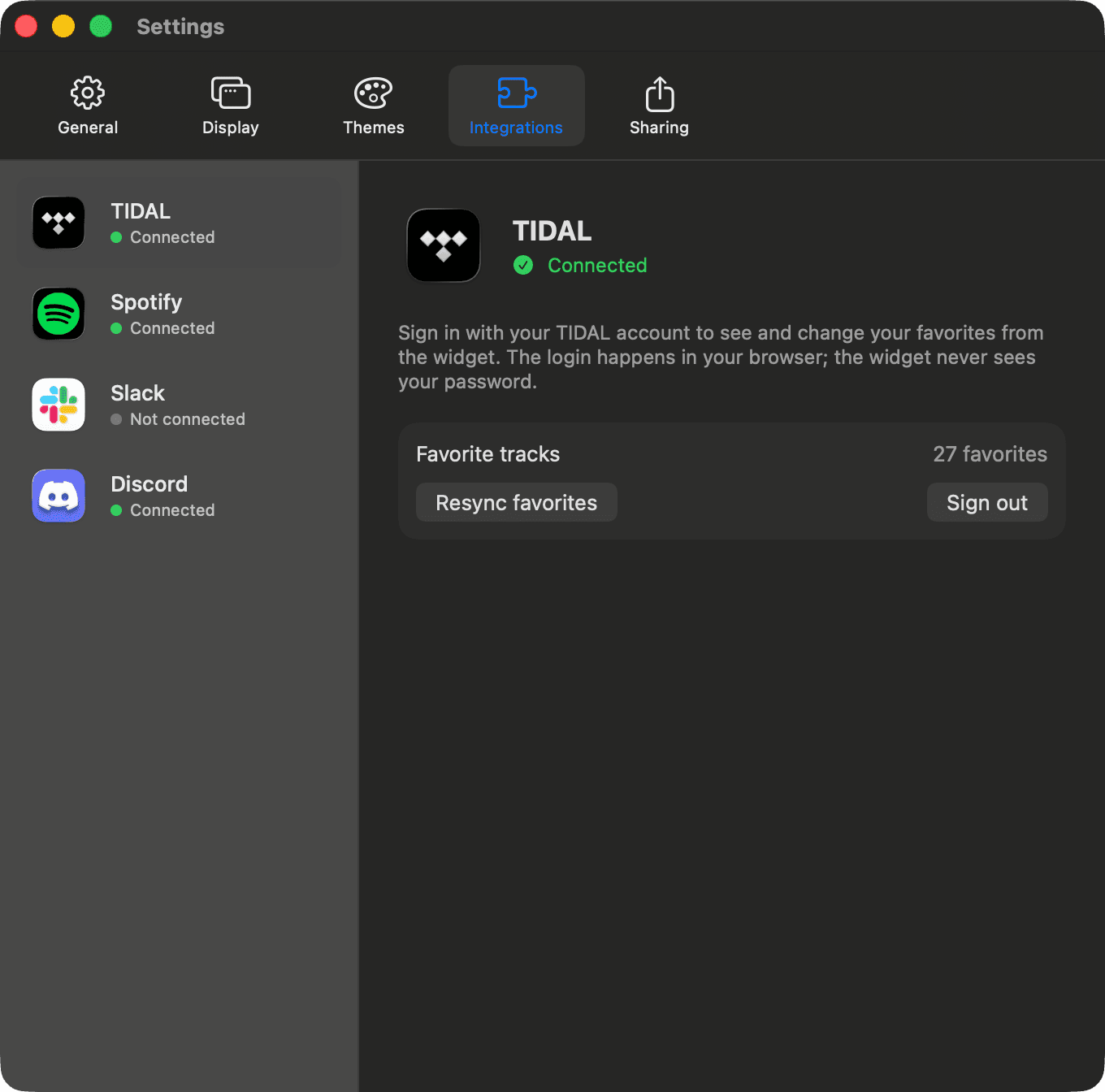
Open Settings → Integrations → Slack
Click the gear on the widget or the NowWave icon in the menu bar, then choose Settings.
- 3
Click “Connect Slack”
Your browser opens Slack's own sign-in page. Approve, and you are sent back to the app. No password ever touches NowWave.
- 4
Play something
Your status becomes “🎵 Title – Artist”. Pause and it clears; the next track sets it again.
The Add to Slack button lives inside the app: installing NowWave is the only step.
What NowWave does in Slack
- ✓Sets and clears your own status text and emoji (permission: users.profile:write).
- ✓Reads nothing from your workspace: no messages, no channels, no other users.
- ✓Stores the Slack token only on your Mac, in your user library.
- ✓Uses this website only as a sign-in relay; it keeps no accounts and no data.
Options
- •Status template with {{title}}, {{artist}}, {{album}}, {{app}} variables.
- •Emoji of your choice.
- •Automatic expiry at the end of the track.
- •Clear on pause, on or off.